



What Is Document Workflow Automation
Document workflow automation uses predefined rules to move documents, tasks and decisions to the right person at the right time. It replaces manual follow-ups with routing, reminders, approvals, escalations and a complete activity history. The result is a faster, more visible process in which ownership is clear and every approval remains connected to the document.
How document workflow automation works
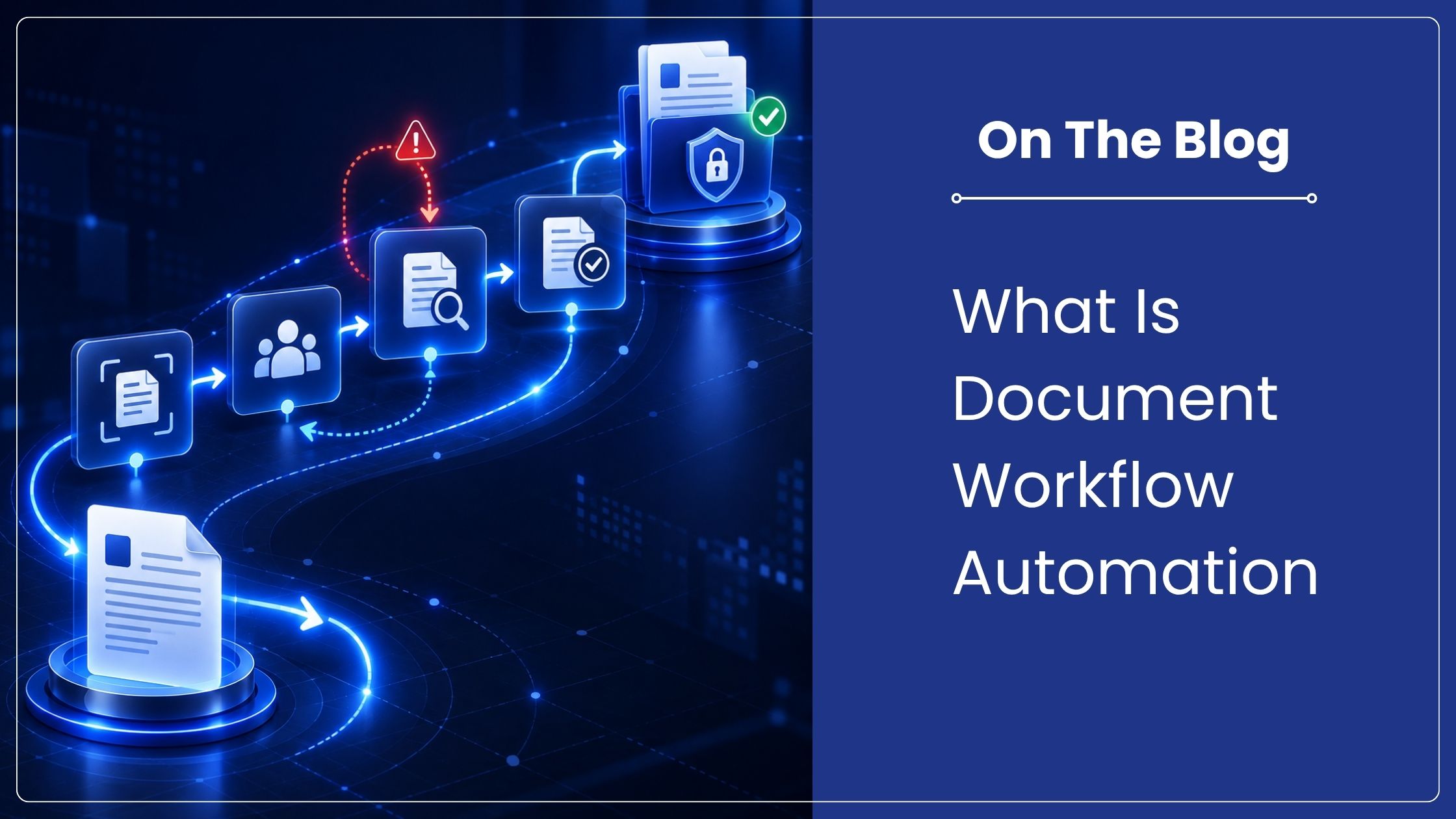
A workflow begins when a document enters the system or meets a defined condition. The system identifies the document, assigns the next task and notifies the responsible user. Their decision determines the next route. Approved items move forward, rejected items return for correction, and overdue tasks can be escalated automatically.
Document workflow automation also records who acted, what decision was made and when it occurred. Managers can see work in progress instead of asking teams for status updates. The document, comments, approvals and audit history remain together rather than being scattered across inboxes and messaging tools.
Why approval chains become slow
Most approval delays are not caused by the decision itself. They begin when an employee sends the wrong version, misses an approver, cannot see who has the file or waits for someone to return from leave. Email creates movement, but it does not create reliable process control.
As document volume grows, manual follow-up becomes a hidden operating cost. Teams spend time forwarding attachments, confirming receipt and rebuilding approval history. Document workflow automation replaces these repeated coordination steps with an agreed route and visible task ownership.
Manual approval compared with automated approval
| Process point | Manual approval | Automated approval |
| Submission | Attachment sent by email | Document enters a defined workflow |
| Routing | Employee selects recipients | Rules assign the correct approver |
| Status | Follow-up messages required | Dashboard shows owner and stage |
| Delay | No consistent reminder | Reminder and escalation can trigger |
| Evidence | History spread across inboxes | Actions recorded with the document |
| Version | Multiple copies may circulate | Controlled version remains in use |
What is a maker-checker workflow?
Maker-checker is a control in which one person creates or submits a transaction and another authorized person reviews it before completion. The same user should not perform both roles for a controlled action. This separation reduces unchecked errors and creates independent review for sensitive financial, operational and compliance processes.
In document workflow automation, the maker uploads the supporting record and enters the required information. The checker reviews the document, confirms the details and approves, rejects or returns it. Higher-value or exceptional items can move to an additional authorizer. RBI systems and reporting processes use maker-checker facilities, which is why the term is familiar across regulated operations.
A practical before-and-after example
Consider a vendor invoice that needs verification by operations, budget approval by a department head and review by finance. In a manual process, the invoice moves through three inboxes. If one person is unavailable, nobody can see whether the invoice is waiting, rejected or simply missed.
With document workflow automation, the invoice is indexed once and routed in sequence. Each reviewer receives a task. A rejection requires a reason, a delay triggers a reminder, and finance receives the approved document with its complete history. The exact time saved depends on process design and user response, but waiting and follow-up become measurable.
Processes that benefit from automation
Invoice approval: Match invoice, purchase order and supporting evidence before payment.
Contract review: Route drafts through legal, commercial and authorized signatories.
Employee onboarding: Collect joining records, acknowledgements and departmental approvals.
Purchase requests: Apply value-based routing and maker-checker control.
Quality documents: Review changes, approve controlled versions and record acknowledgement.
Customer or vendor setup: Validate documents before activating the account.
How to automate document approvals
- Map the current route. Record each task, decision, approver, exception and delay.
- Remove unnecessary steps. Do not automate approvals that no longer serve a purpose.
- Define rules and ownership. Set conditions, role-based assignees, deadlines and escalation paths.
- Connect the document. Keep the current version, metadata and supporting records with the task.
- Test exceptions. Check rejection, delegation, absence, duplicate submission and urgent processing.
- Measure performance. Track completion time, overdue tasks, returns and bottlenecks.
How Contentverse supports workflow control
Contentverse combines document workflow automation with secure document management. Teams can route records to designated users, assign actions, send notifications, apply digital approvals and retain an audit trail. Workflow dashboards show assigned tasks and current status, while version control keeps reviewers working on the correct document.
Start with one repeated approval process and define the outcome before configuring document workflow automation. Schedule a Contentverse demonstration at https://computhink.in/contact-us/ to review your current approval chain, maker-checker requirements and escalation rules.
Frequently asked questions
What is document workflow automation?
It is the rules-based routing of documents, tasks and decisions through a defined process with notifications, approvals, escalations and recorded history.
How does maker-checker work?
One user creates or submits the item and a separate authorized user verifies it before completion. The system records both actions.
Can workflow automation work with existing documents?
Yes. Existing digital or scanned documents can enter a workflow after they are indexed and assigned the metadata required for routing.
Which approval process should be automated first?
Choose a repeated, document-heavy process with clear ownership and visible delays. Invoice, purchase, contract and onboarding approvals are common starting points.