



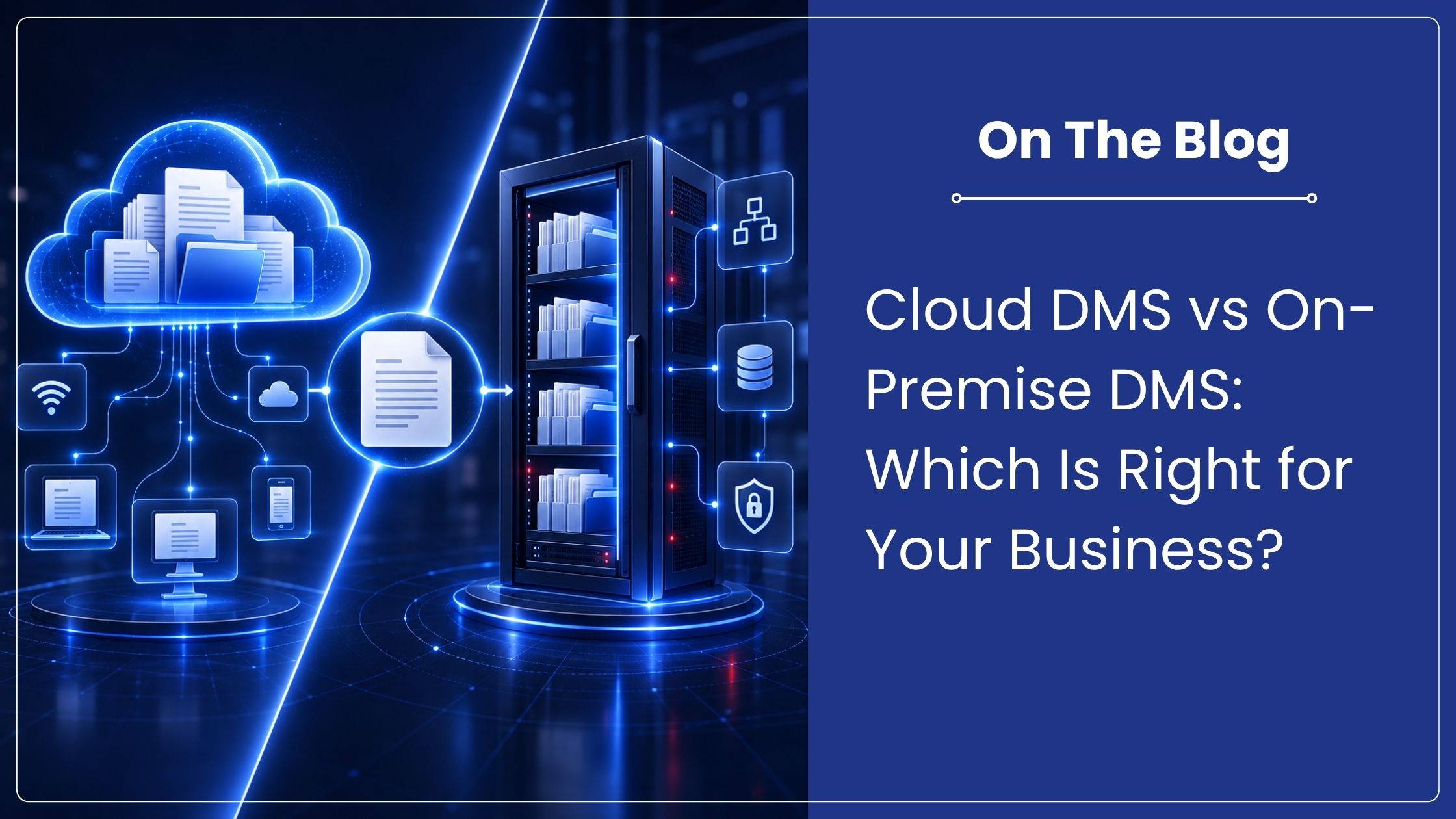
Cloud DMS vs On-Premise DMS: Which Is Right for Your Business?
A cloud document management system is usually the better fit for growing teams that want faster setup, predictable subscription costs, remote access and less infrastructure management. An on-premise DMS suits organizations that need direct control over servers, custom network policies or highly specific integrations. The right model depends on security responsibilities, internal IT capacity, compliance needs and growth plans.
What is a cloud document management system?
A cloud document management system stores and manages business files through infrastructure operated by the software provider or its hosting partner. Authorized users connect through a browser or application, so teams can retrieve documents, route approvals and collaborate from the office, home or another branch. The provider typically handles platform updates, availability and much of the underlying infrastructure maintenance.
This model turns a large infrastructure project into an operating expense. Capacity can grow with users and document volumes. A cloud document management system still needs careful access roles, retention rules, integrations and migration planning.
What is an on-premise DMS?
An on-premise DMS runs on servers controlled by the organization, usually within its office or data centre. The internal IT team manages hardware, storage, backups, security patches and system availability. This approach offers close control over infrastructure and may suit organizations with established data centres, restricted networks or uncommon legacy integrations.
That control also brings responsibility. Hardware refreshes, disaster recovery, support and upgrades remain with the organization. Choose on-premise deployment for a defined operational reason, not a general belief that local servers are automatically safer.
Cloud DMS vs on-premise DMS comparison
| Decision factor | Cloud DMS | On-premise DMS |
| Setup | Quicker provisioning with limited local infrastructure | Hardware, installation and network preparation required |
| Cost model | Subscription-based and easier to forecast | Higher upfront investment plus ongoing maintenance |
| IT workload | Provider manages core hosting and platform updates | Internal team manages the full environment |
| Access | Designed for secure access across locations | Remote access depends on network architecture |
| Scaling | Capacity and users can be added more easily | Growth may require new hardware and planning |
| Control | Configuration within the provider’s service model | Direct control over servers and deployment timing |
| Recovery | Provider-managed resilience, subject to service terms | Organization designs, tests and funds recovery |
Which model is more secure?
Security depends less on server location and more on how the complete system is governed. A strong cloud document management system should support role-based access, encryption, audit trails, backups and disciplined account administration. An on-premise system can offer the same protections, but the organization must implement, monitor and update them consistently.
For personal data, evaluate the deployment against the Digital Personal Data Protection Act, 2023 and applicable rules. The Act does not create a blanket requirement to keep all personal data inside India. Section 16 allows the Central Government to restrict transfers to notified countries or territories, while sector-specific laws may impose stricter conditions. Confirm hosting locations, access controls, incident procedures, retention settings and contractual responsibilities.
When should you choose a cloud DMS?
Choose a cloud document management system when teams need access across branches, want to avoid server procurement or have limited IT capacity. It is also a practical choice when headcount and storage needs may change quickly. For many 50 to 500 person organizations, predictable administration and easier scaling are more valuable than owning the underlying hardware.
Before deciding, check internet reliability, availability commitments, backups, data export options and support. Test daily tasks such as scanning, searching, version control and approval routing. A feature list matters less than a workflow employees will follow.
When does on-premise make more sense?
On-premise deployment may be appropriate when an organization already operates reliable infrastructure, must work within a closed network or needs deep integration with systems that cannot connect to a hosted service. It can also suit a formal policy that requires direct control over servers, provided the requirement is documented and reviewed.
Budget for the complete lifecycle, not just licences. Include servers, storage, administration, cybersecurity, backups, upgrades and recovery testing. Without those capabilities, the apparent control of on-premise software can create hidden cost and risk.
A practical recommendation for growing teams
Start with four questions: Where will people work? Who will operate the platform? Which regulations and client commitments apply? How quickly will document volume grow? If easy access, scaling and a smaller IT burden lead the list, a cloud document management system is likely the stronger choice. If isolated networks and direct infrastructure control are essential, assess on-premise deployment.
How Contentverse supports deployment choice
Contentverse supports on-premise, hosted and hybrid environments, allowing the deployment model to follow operational needs. Its document management capabilities include workflow automation, controlled access, version comparison, digital signatures and collaboration tools. The upcoming Contentverse SaaS offering will provide a cloud document management system for teams that want simpler infrastructure management.
Map one real process, such as invoice approval or contract review, and evaluate both models against it. Schedule a Contentverse demonstration at https://computhink.in/contact-us/ to discuss users, integrations, security responsibilities and the deployment approach that fits your organization.
Frequently asked questions
Is a cloud DMS cheaper than on-premise software?
A cloud document management system often reduces upfront hardware and infrastructure costs, but total cost depends on users, storage, integrations, support and the comparison period. Evaluate three to five years of ownership for both options.
Can a cloud DMS support teams in multiple cities?
Yes. A cloud document management system is designed to provide authorized access across locations, subject to connectivity, identity controls and the provider’s service availability.
Does the DPDP Act require all documents to be stored in India?
No blanket localization rule applies to all personal data. Transfer restrictions may be notified, and other sector-specific requirements can apply, so each organization should review its data and obligations.
Can Contentverse be deployed on-premise?
Yes. Contentverse supports on-premise, hosted and hybrid deployment models. Its SaaS version is also planned for launch shortly.