



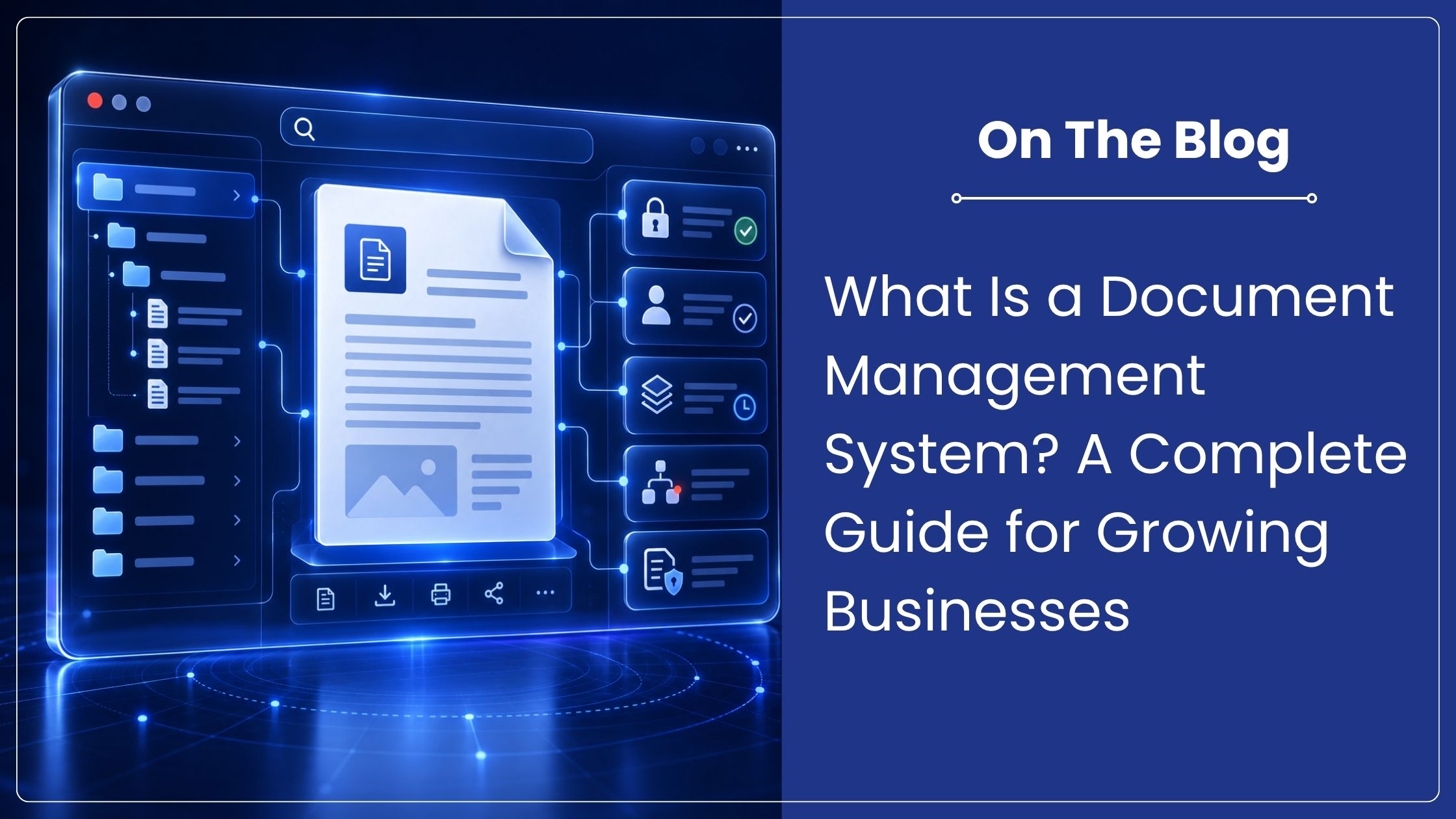
What Is a Document Management System? A Complete Guide for Growing Businesses
Quick answer
A document management system is software that stores, organizes, tracks and protects business documents in a controlled digital environment. It helps teams find the right file quickly, manage versions, restrict access, automate approvals and maintain an audit trail. Unlike ordinary shared folders, a DMS manages the document throughout its working life, from creation to retention or disposal.
Most companies do not lose control of information in one dramatic incident. The problem builds gradually. Files sit in email threads, local folders, shared drives and messaging apps. Employees create duplicate copies, approvals happen outside the system, and nobody is fully certain which version is current. A document management system brings that information into one governed environment.
What does a document management system do?
A document management system, often shortened to DMS, controls how documents are captured, stored, found, shared, changed and retained. It can manage office files, scanned records, invoices, contracts, employee documents, drawings, correspondence and many other forms of business information.
The important word is control. Saving a file online solves a storage problem. Managing it requires consistent naming, searchable metadata, permissions, version history, approval status and a record of activity. These controls help employees work with the correct information and allow managers to see what happened, who acted and what is still pending.
Core capabilities of a DMS
- Centralized document storage: Authorized users work from one organized source instead of maintaining separate copies.
- Fast search and retrieval: Metadata, full text search and OCR help users find documents by name, content, date, customer, department or document type.
- Version control: The system preserves earlier versions and identifies the current approved file.
- Access control: Permissions can be assigned by user, role, department or document category.
- Workflow automation: Documents can move through review, maker checker, approval and escalation steps using defined rules.
- Audit trails: The system records actions such as viewing, editing, downloading and approving.
- Retention controls: Records can be retained for defined periods and disposed of through an authorized process.
How a DMS works
Documents enter the system through uploads, scanning, email capture, integrations or automated imports. The document management system then applies identifying information such as document type, department, customer, project or retention category. OCR can make scanned pages searchable, including documents in regional languages when the selected OCR engine supports them.
Once indexed, the document becomes available to permitted users within the document management system. Rules can route it for review or approval, notify the next owner and escalate overdue work. Each change is tracked. This creates a reliable history without forcing employees to reconstruct the process from emails.
DMS vs Google Drive vs SharePoint
| Capability | Google Drive | SharePoint | Document management system |
| Primary purpose | File sharing and collaboration | Collaboration and intranet platform | Controlled document and records management |
| Version history | Available | Available | Structured version control and approval status |
| Workflow | Limited without additional tools | Configurable | Built around document driven processes |
| Audit and retention | Basic controls | Depends on configuration and licensing | Designed for audit trails and retention rules |
| Best fit | General team files | Microsoft centered collaboration | Governed information and accountable processes |
Why growing companies need stronger document control
As headcount and transaction volume increase, informal filing habits become harder to manage. A missing contract can delay a decision. An outdated work instruction can create an operational error. An approval completed through email may be difficult to verify later. These are information control problems, not storage capacity problems.
The regulatory context also matters. The Digital Personal Data Protection Act, 2023 applies to digital personal data and increases the importance of knowing what personal information an organization holds, where it is stored and who can access it. A document management system can support these controls, although software alone does not make an organization compliant.
How to choose the right DMS
Start with the business process rather than a long feature list. Review the following questions:
- Can employees find the correct document without knowing its folder path?
- Can access be limited according to role and document sensitivity?
- Does the system preserve version history and approval evidence?
- Can it automate the workflows your teams use every day?
- Does it support your preferred cloud, on premises or hybrid deployment model?
- Can it scale across departments without creating separate information silos?
- Does the provider offer implementation support and local business assistance?
A useful document management system evaluation should include real documents and one or two live processes. Ask the vendor to demonstrate how a contract, invoice or employee record moves from capture to approval, retrieval and retention. This exposes practical gaps that a generic product presentation may hide.
Where Contentverse fits
Contentverse is a document management system that provides a centralized environment for document control, records management and workflow automation. Organizations can manage access, versions, approvals, audit history and retention while connecting documents to the business processes they support. It is available for different deployment requirements, with a SaaS offering being introduced for organizations that prefer subscription based access.
If your teams are spending too much time searching for documents, checking versions or chasing approvals, the underlying issue may be the absence of a proper document management system.
Schedule a Contentverse demonstration to review your document and workflow requirements with the Computhink team.
Frequently asked questions
What is a DMS?
A DMS is software used to capture, organize, search, secure, track and retain digital business documents in a controlled environment.
How is a DMS different from cloud storage?
Cloud storage mainly stores and shares files. A document management system adds metadata, workflow, approval status, version control, audit trails and retention rules.
Can a DMS manage scanned paper records?
Yes. Scanned records can be indexed and processed with OCR so users can search their contents, apply permissions and route them through workflows.
Does a DMS help with compliance?
A DMS can support compliance by controlling access, preserving activity records and applying retention rules. Compliance also depends on policies, configuration, employee practices and legal requirements.
Editorial sources
Digital Personal Data Protection Act 2023, Ministry of Electronics and Information Technology